Better Method.ai
Downloads

Build your reusable AI workflow

Editable Word files that carry your voice, standards, privacy checks, accuracy checks, and AI disclosure from one task to the next.

Fill them in once, keep them with your approved examples, and stop rebuilding the same context every time you open an AI tool. No email, no sign-up, nothing tracked.

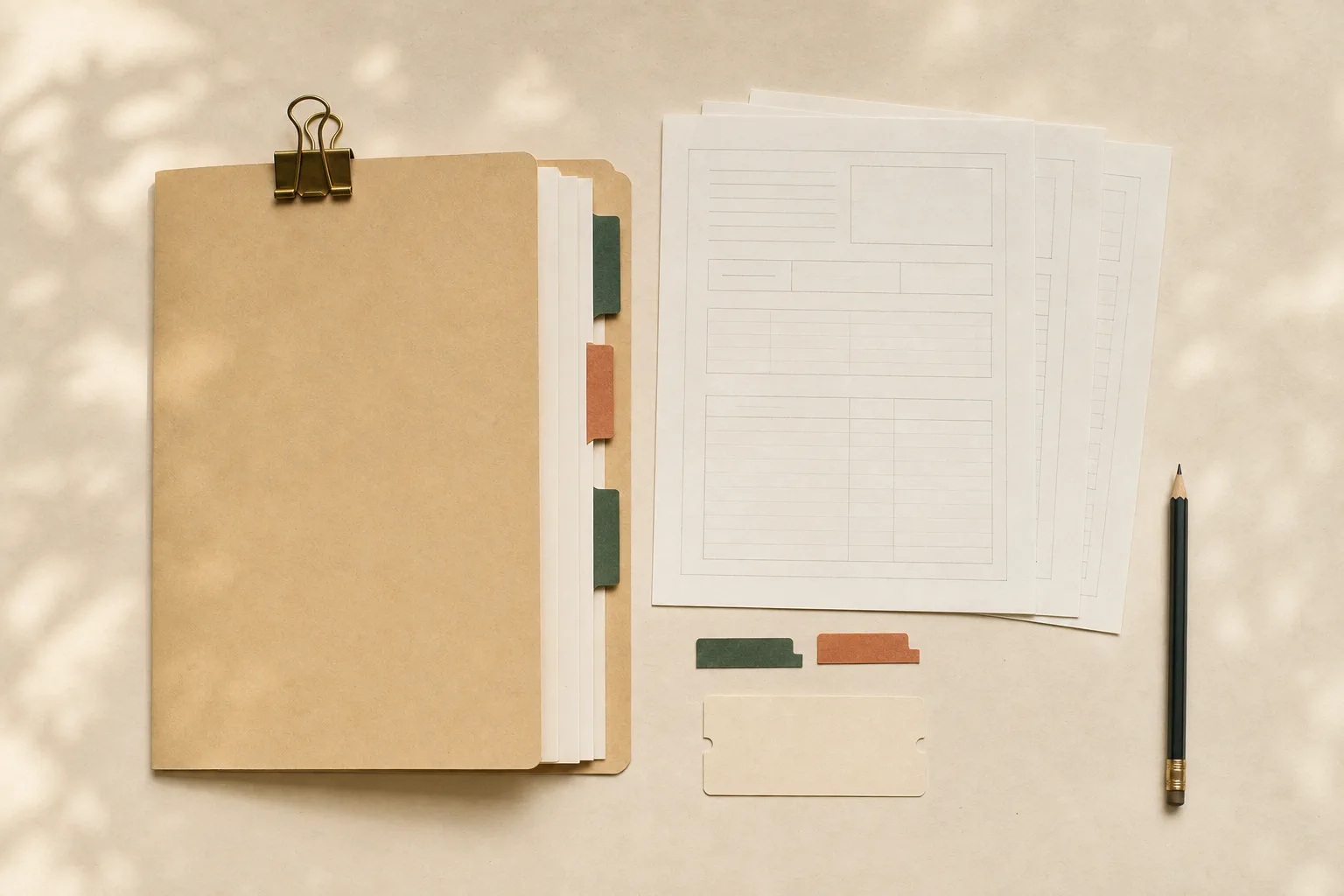
Four reusable worksheets, a tabbed kraft folder and a pencil arranged as a practical workflow kit.
A small set of living documents can carry your standards from one task to the next.
Recommended

Download the complete starter pack

Get the fill-in templates in one ZIP file, then keep the individual files together in your approved project, notebook, SharePoint folder, or local context folder.

Download the starter pack ai-workflow-starter-pack.zip ·

Voice profile worksheet

Five of your own sent emails, one prompt, and a table to write the answer into. The result is a paragraph describing how you write, which you paste at the top of every writing request from then on.

Generic wording can weaken trust and make the message feel unlike you. A small set of approved writing samples gives the tool a concrete style reference.

Time to fill in
10 minutes, once
Used by
Every recipe that produces writing

Download Word file What is inside voice-profile-worksheet.docx ·

House style sheet

Your department conventions written down. What you call learners, how objectives are phrased, words you never use, tone by document type, and the standing rules to paste into anything that touches real data.

Everything in it is something you already know and have never had to say out loud, because your colleagues absorbed it. A tool has not. It also has a box for the corrections your reviewers make every single time, which is the most useful and most often skipped part.

Time to fill in
20 minutes, once
Used by
Objectives, outcomes reports, anything participant-facing

Download Word file What is inside house-style-sheet.docx ·

Taking the names out

A six-step routine for removing identifying details from evaluation comments, a list of the eight search terms where the ones you missed are hiding, and a stopping test so you know when you are done.

This routine reduces the chance that direct identifiers reach a tool. It is a practical screen, not a formal HIPAA de-identification method.

Time to fill in
10 minutes per file
Used by
Making sense of open text feedback

Download Word file What is inside taking-the-names-out.docx ·

The number audit

A table for tracing every figure in a draft back to where it came from, plus checks on claim levels, quotes, arithmetic and citations. Sign and date at the bottom.

A final trace-back catches common high-consequence errors in numbers, claim levels, quotes and citations. Run it after the last substantive edit.

Time to fill in
15 minutes per report
Used by
Outcomes reports, anything with numbers in it

Download Word file What is inside number-audit-checklist.docx ·

AI disclosure and activity-file log

A fill-in disclosure paragraph (tool, version, purpose, named reviewer, storage) and a table for the activity file so a surveyor can see who checked what, and when.

ACCME guidance from January 2026 recommends disclosing substantive AI use in educational content. Grammar tools do not count. The log is how "you are author of record" becomes visible in the file.

Time to fill in
10 minutes per activity
Used by
Any activity whose materials were drafted or analyzed with AI

Download Word file What is inside ai-disclosure-log.docx ·

Office AI governance

A fill-in sheet a director can edit: who owns the list, which tools are approved, what each role may do, what never gets pasted, and whether learner-facing AI is allowed.

Most CME staff already use AI. Many offices still have no written rule. A page beats a binder that nobody opens on a Tuesday.

Time to fill in
20 minutes, once
Used by
Team onboarding, teach-it sessions, reaccreditation evidence of process

Download Word file What is inside office-ai-governance.docx ·

Using AI in accredited CE

A printable page for Alliance, Learn to Thrive, or a lunch-and-learn: the working split, the 2026 ACCME lines, the before-you-paste table, and the site address in the footer.

This field hands each other paper. A page with the address on it is how people find the handbook after the meeting.

Time to fill in
Read in five minutes
Used by
Teaching kit, conference tables, new-staff packets

Download Word file What is inside accme-ai-one-pager.docx ·

Session-file checklist

A clip-on page for the session folder: before-the-hour checks, after-the-hour record, and a line for what is still missing. The series file already exists. This is this Tuesday.

RSS files fail a self-study on missing weekly pieces, not on missing series philosophy. A recipe lists what is still missing. A page you can tick travels farther.

Time to fill in
5 minutes per session
Used by
Weekly RSS packet, hospital coordinator desk

Download Word file What is inside session-file-checklist.docx ·

Activity-file audit

A two-page audit: identity of the activity, a found-not-reconstructed stop, must-be-found ticks (gap through PARS), enduring extras, and a reconstruction list.

Consultants get hired because the files are thin. A fluent cover memo is not a file. This page makes the holes visible before anyone drafts a self-study.

Time to fill in
20 minutes per file
Used by
File audits, interim director week one, mock survey prep

Download Word file What is inside activity-file-audit.docx ·

Where to keep them

Filled in once, used every time

The whole point is to stop re-pasting context. Where you put these matters more than how carefully you fill them in.

If you use ChatGPT or Claude Projects
ChatGPT Projects can group files, chats and instructions. Claude Projects can hold a knowledge base on free accounts too; paid plans add retrieval for larger sets. Use only an approved workspace and check its file limits and data controls.
If you use Copilot
A Copilot Notebook can collect permitted files and other references, including supported SharePoint content, when your license and administrator settings allow it. Keep the source material in an approved Microsoft 365 location.
If neither
Keep them on your desktop and paste the relevant table into the top of each request. Less elegant, same result.